1. Students choose cards
They tap or call out numbered cards from the board.
Vocabulary memory game
Students tap numbered cards to find vocabulary pairs, making memory practice easy to run on a projector or student devices.
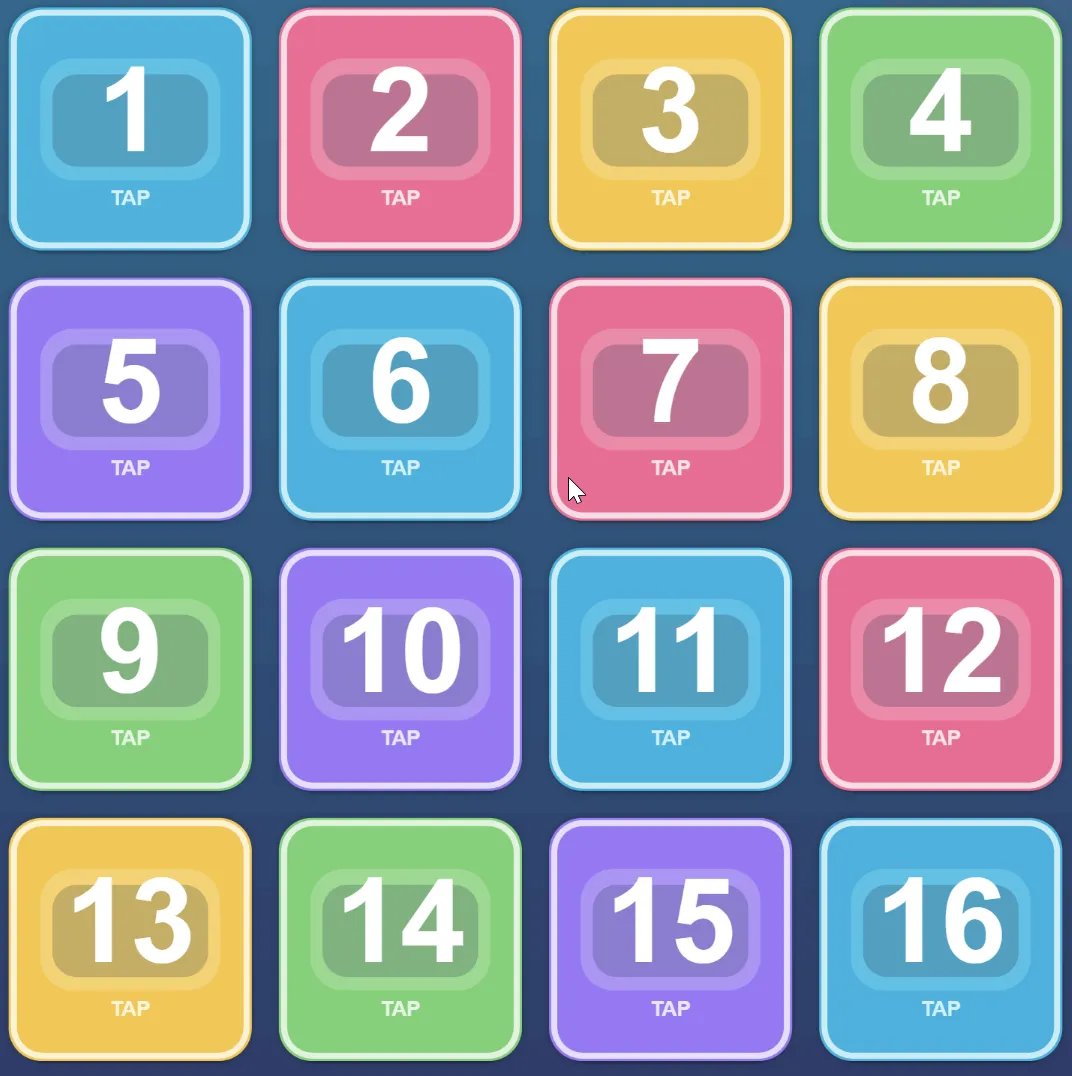
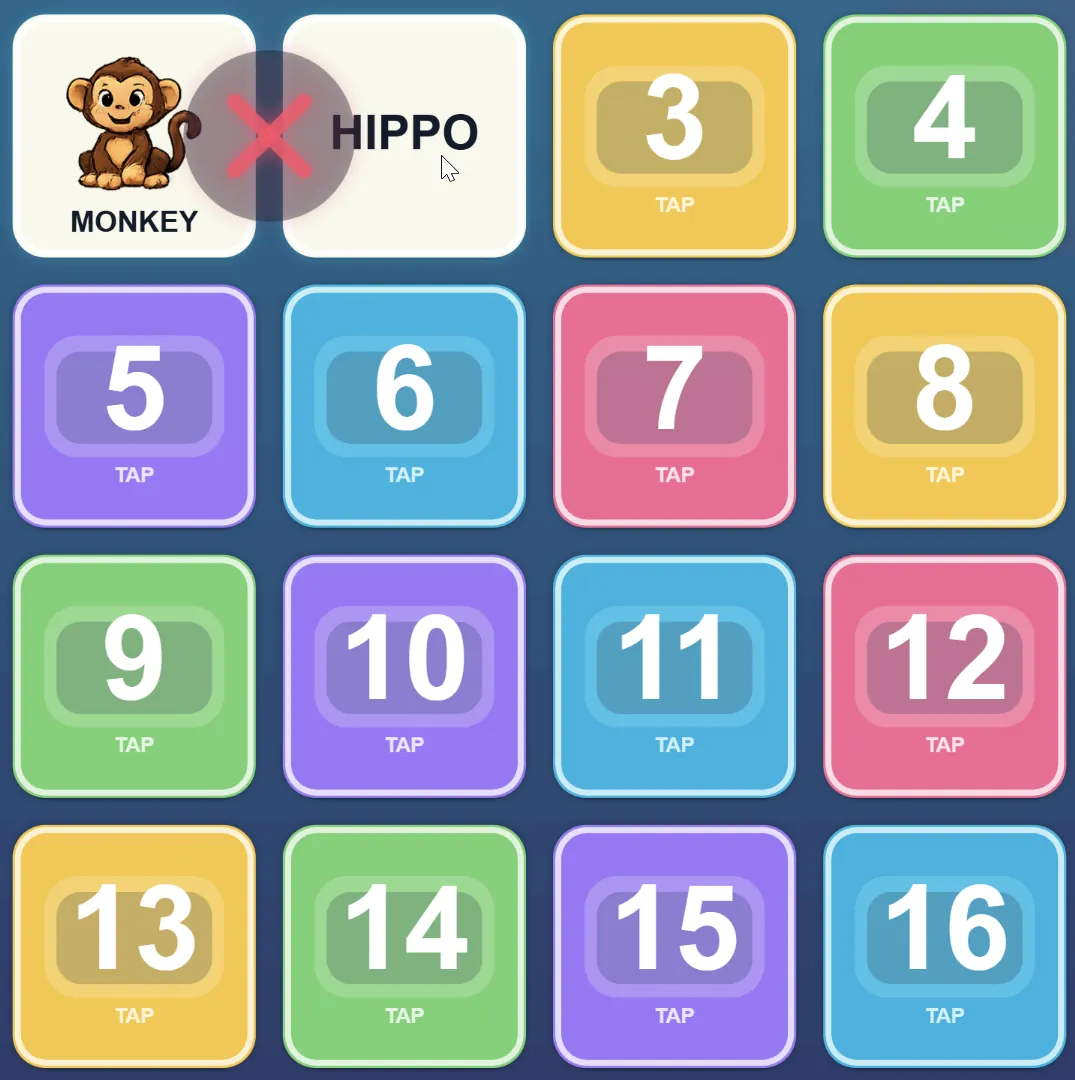
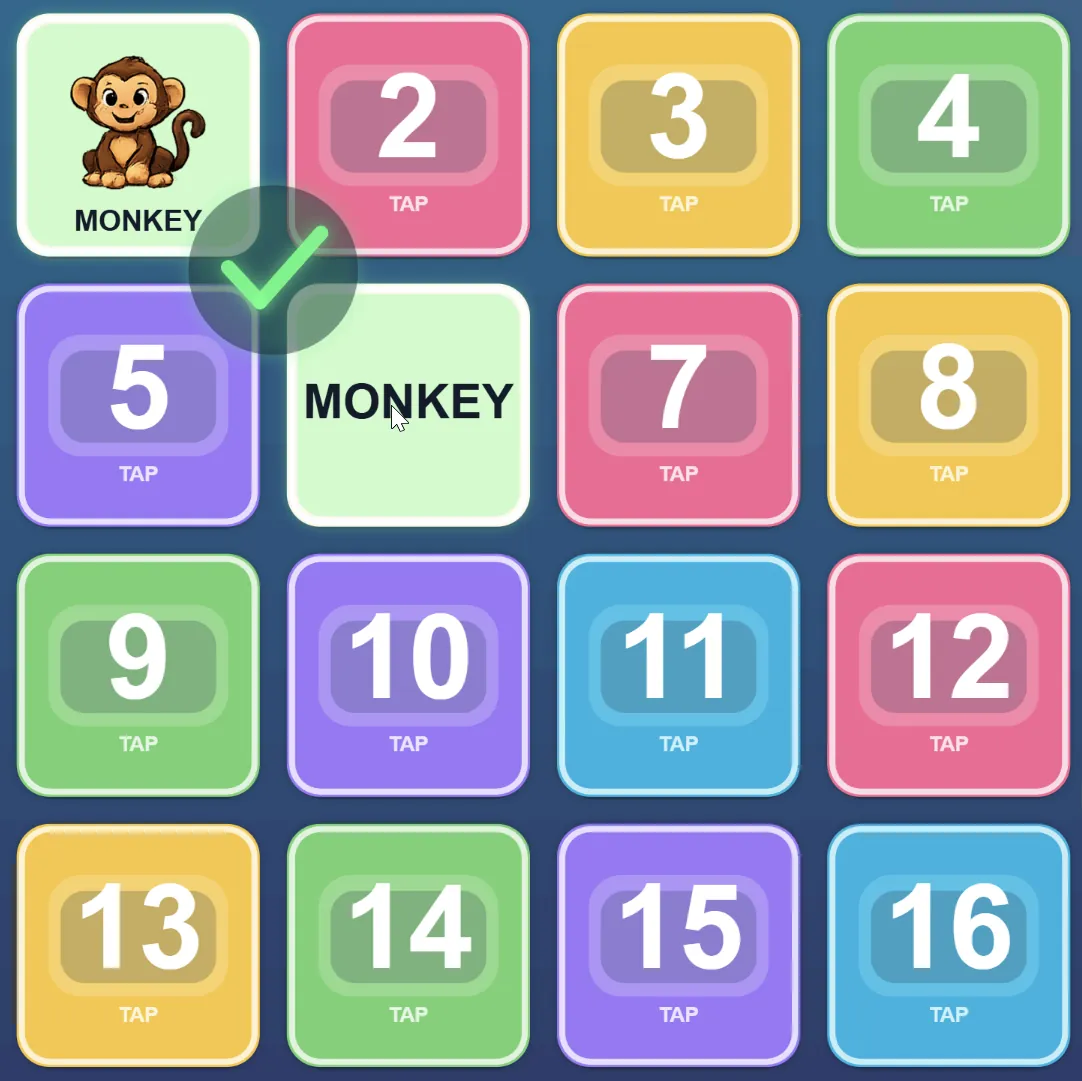
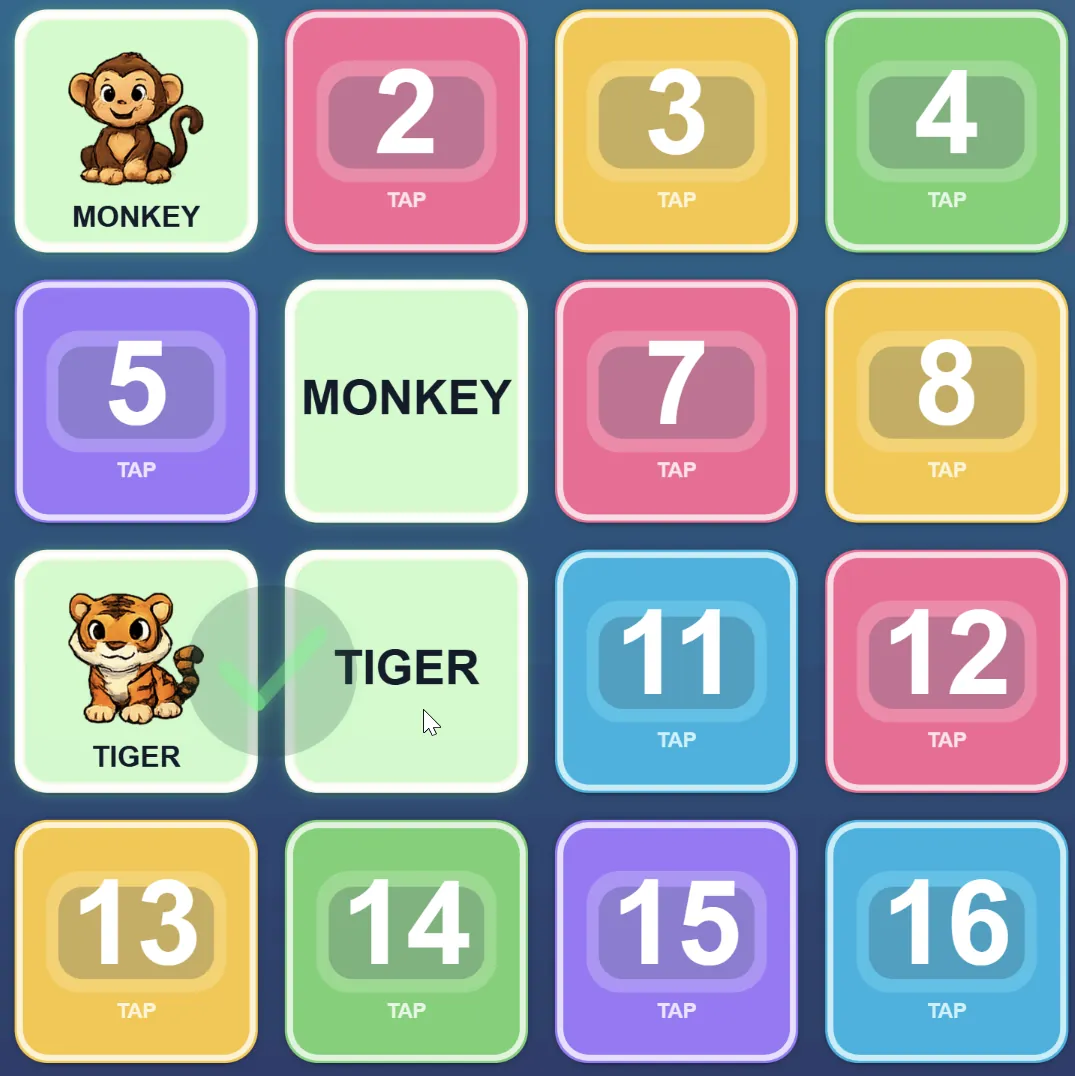
Memory Quest is a no-camera ESL vocabulary memory game. Students tap or click numbered cards to find matching pairs, making it useful for calm review, custom lesson practice, remote lessons, and device-based classroom play.
They tap or call out numbered cards from the board.
Two cards reveal vocabulary words, images, or listening prompts.
Correct pairs remain revealed. A miss hides the cards again after a short delay.
One student or the whole class works through the board together. Best for projector callouts, tutoring, and calm vocabulary review.
Players take turns. A match keeps your turn, a miss switches turns, and the winner is the player with the most matches.
4 x 4 board with 8 pairs. Best for younger learners and first review rounds.
4 x 5 board with 10 pairs. Best for standard vocabulary review.
5 x 6 board with 15 pairs. Best for confident learners or longer challenge rounds.
Students match written vocabulary pairs. Good for reading and memory recall.
Students match images with written words. Good for connecting meaning to spelling.
Students hear a word and match it to the written card. Good for listening-to-reading practice.
Students hear a word and match it to the image card. Good for listening comprehension and beginner vocabulary.
Memory Quest uses touch or click input, so it works without webcam tracking.
Numbered cards are designed for classroom screens and student callouts.
Students can play from their own device during Remote Play sessions.
Choose the vocabulary, mode, difficulty, and round length before play.
Runs in the browser with no app install required.
Mode: Solo Touch. Difficulty: Easy. Learning Mode: Icon -> Word. Duration: 60-90 seconds.
Mode: 2P Versus Touch. Difficulty: Medium. Learning Mode: Word -> Word. Duration: 90 seconds.
Mode: Solo Touch. Difficulty: Easy. Learning Mode: Listen -> Image. Duration: 60 seconds.
Use saved vocabulary lists for matching practice and quick review rounds.
Students join with a code on phones, tablets, or laptops, tap cards on their own devices, and send results back to the teacher session.
Pair memory rounds with timers, teams, and classroom routines.
Memory Quest gives teachers a simple no-camera option for matching, recall, and Remote Play practice.