Create a session
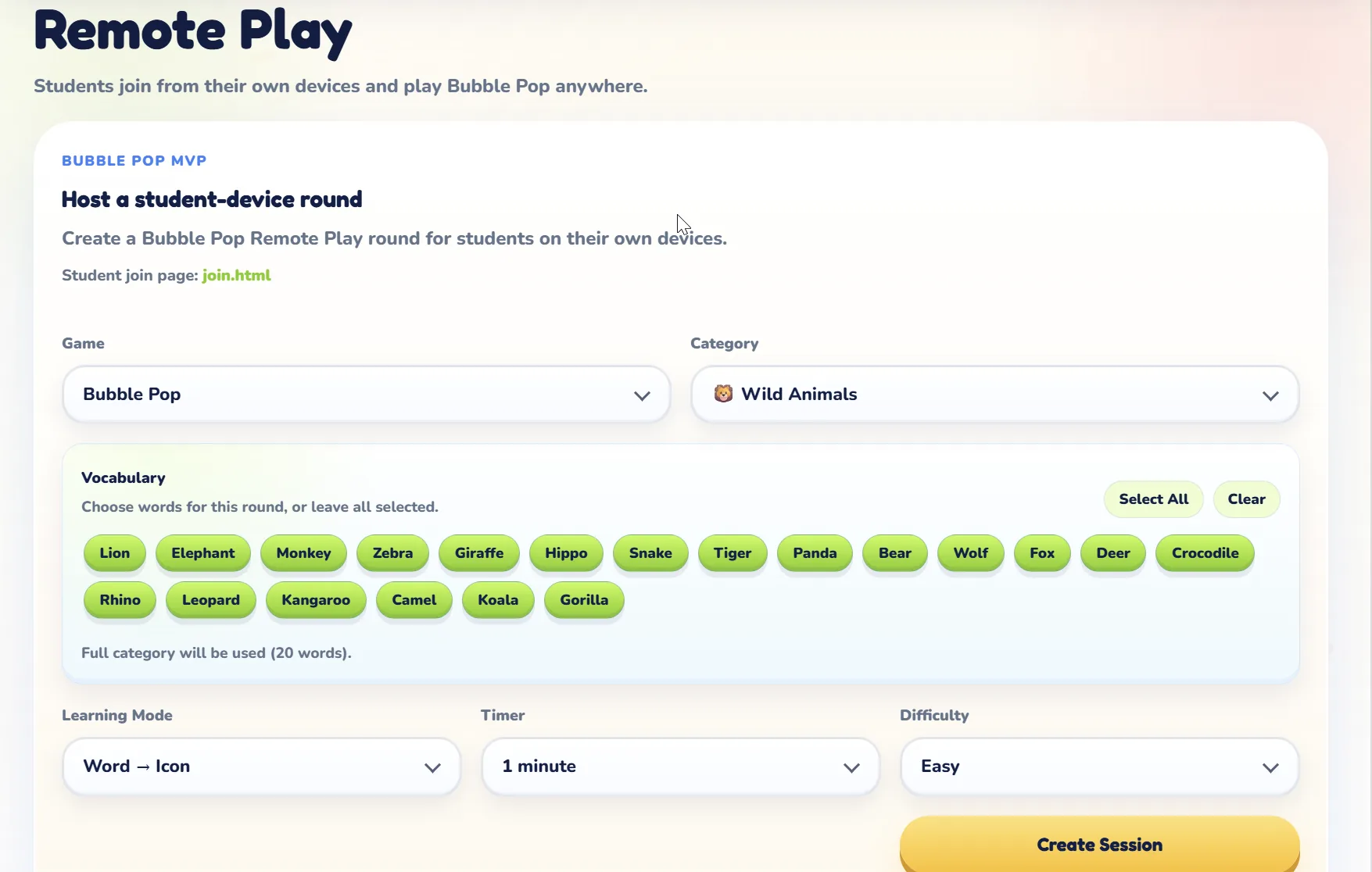
The teacher starts a Remote Play session from MotJAM.
Loading MotJAM
Almost ready...
Remote Play
Create a Remote Play session, share a join code, and let students play Bubble Pop, Letter Catchers, Answer Rush, Alien Invaders, or Memory Quest from their own device while results sync back to the teacher dashboard.
Remote Play is available for 5 MotJAM games.
How Remote Play Works
Remote Play extends MotJAM beyond the projector. Students open Join Game, enter the teacher's code, play a supported activity, and send their scores back to the session.
The teacher starts a Remote Play session from MotJAM.
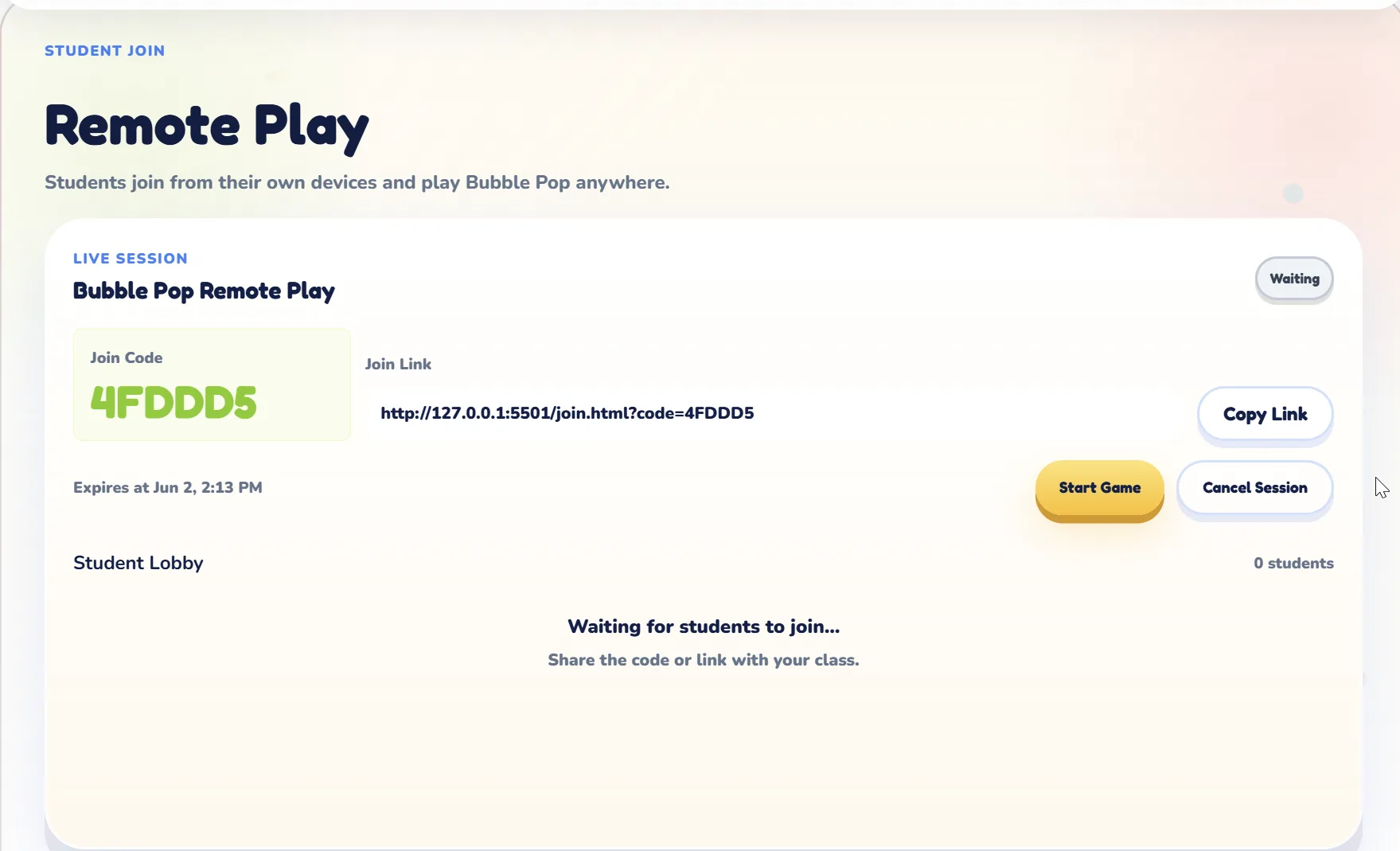
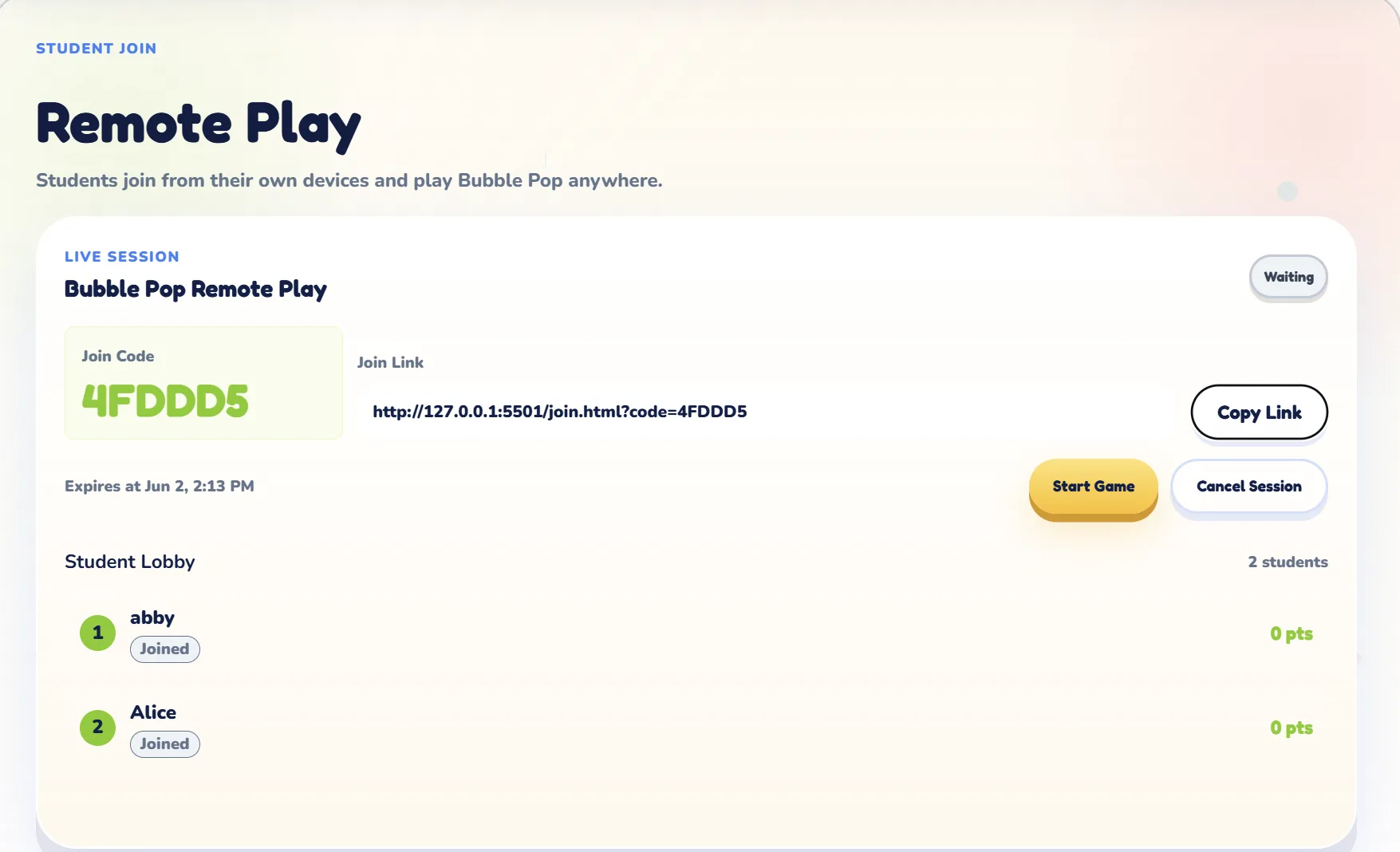
Students enter the code while the teacher sees who has joined.
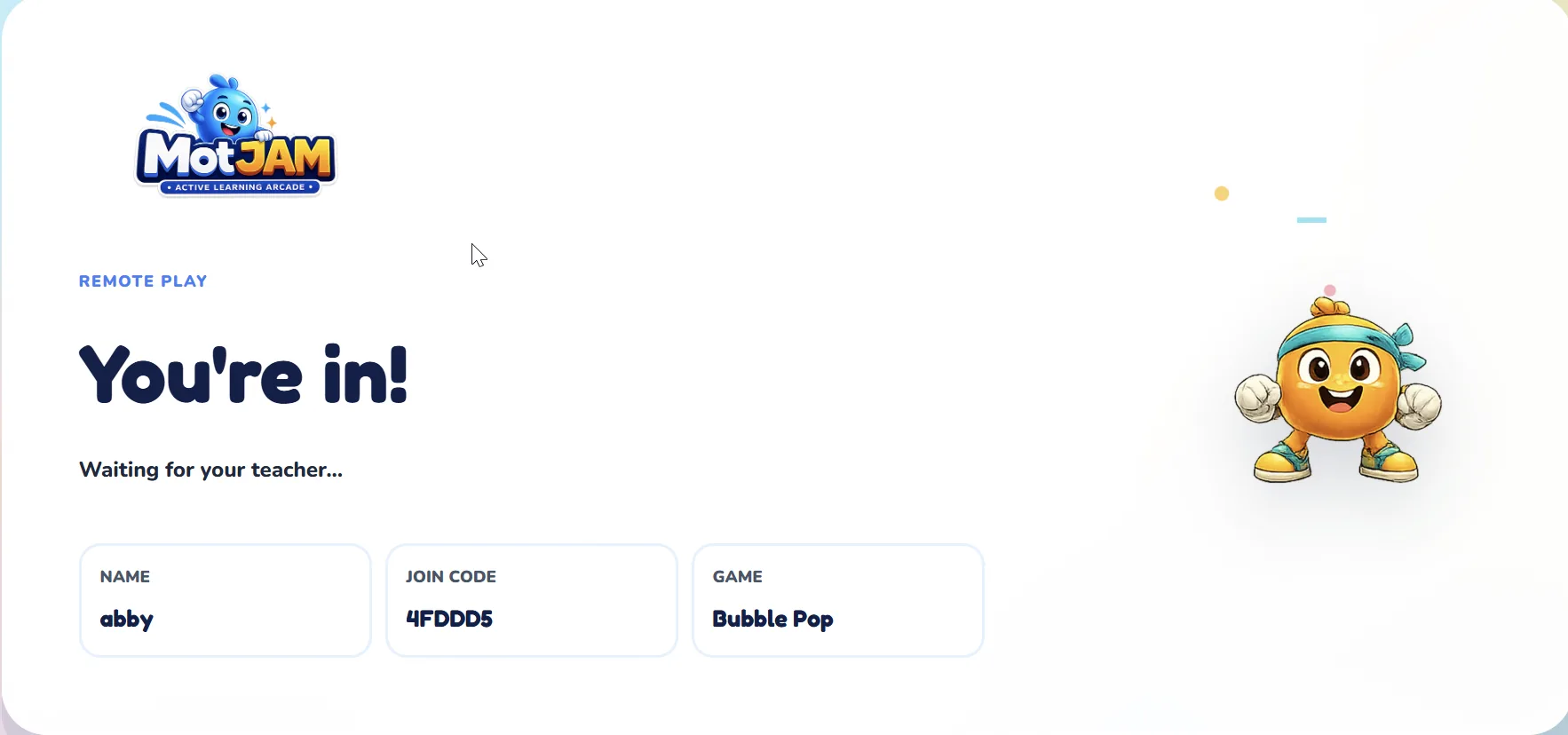
Students wait on their own device until the teacher starts the activity.
Scores and completion status return to the teacher session.
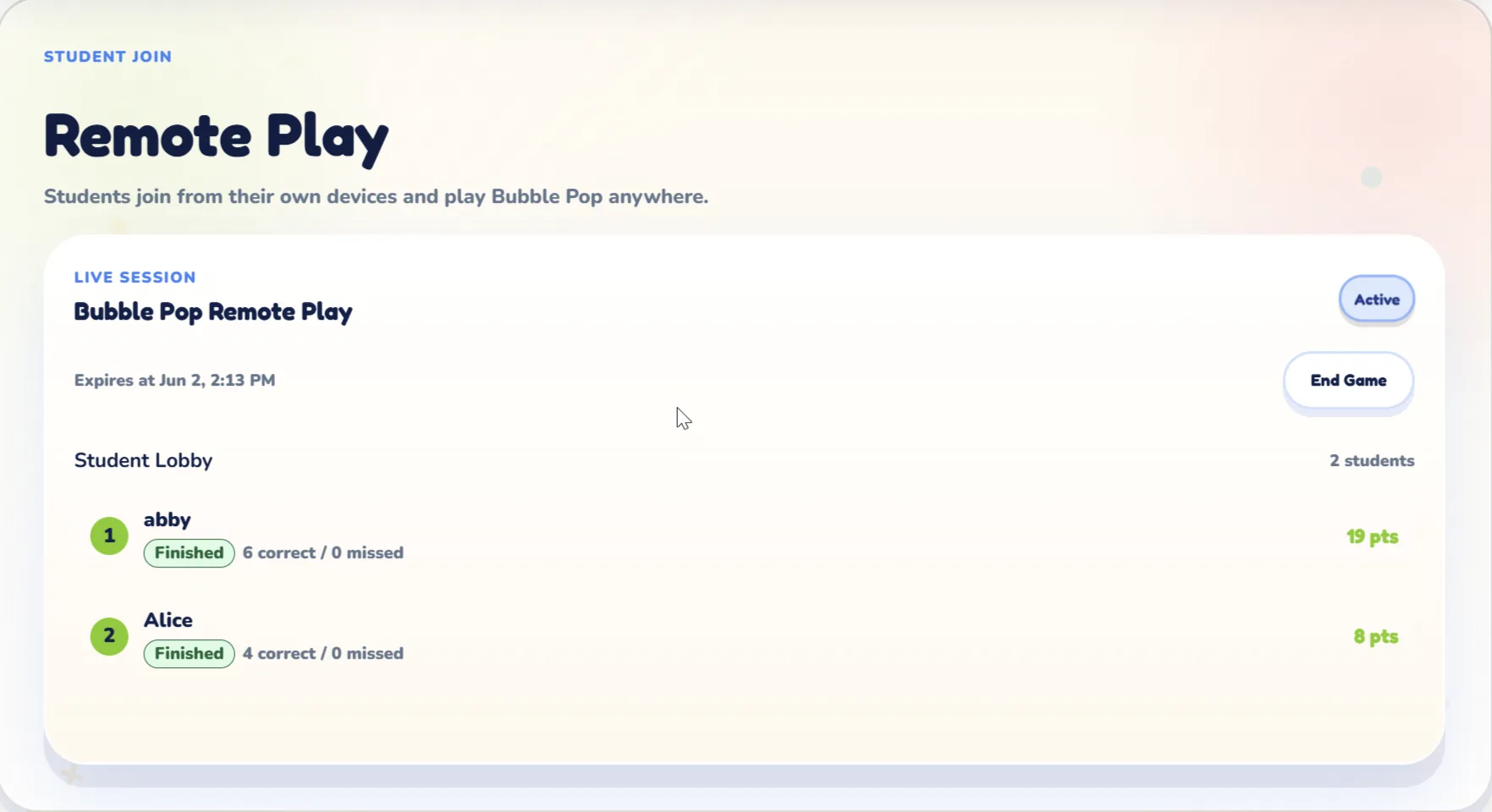
Live Session View
The active lobby gives teachers a quick read on joined students before launching the selected activity.
Best Uses
Use Remote Play when students need individual practice, when class is hybrid, or when you want quick stations after a shared lesson.
Let students join from home or another room with a code.
Support students in class and online with the same supported activity.
Use Bubble Pop, Letter Catchers, Answer Rush, Alien Invaders, or Memory Quest for student-device practice.
Collect score and answer results back into the teacher session.
Remote Play is ready for 5 games
Choose Bubble Pop, Letter Catchers, Answer Rush, Alien Invaders, or Memory Quest for live student-device practice.
Try MotJAM free